Mechanic / Sword / Axe / Beginner
Learn how to use W-taps and S-taps to reset your sprint between hits, control spacing, and extend combos in Minecraft Java PvP.
Sword / AxeBeginner9 min readJavaVerified Aug 16, 2026
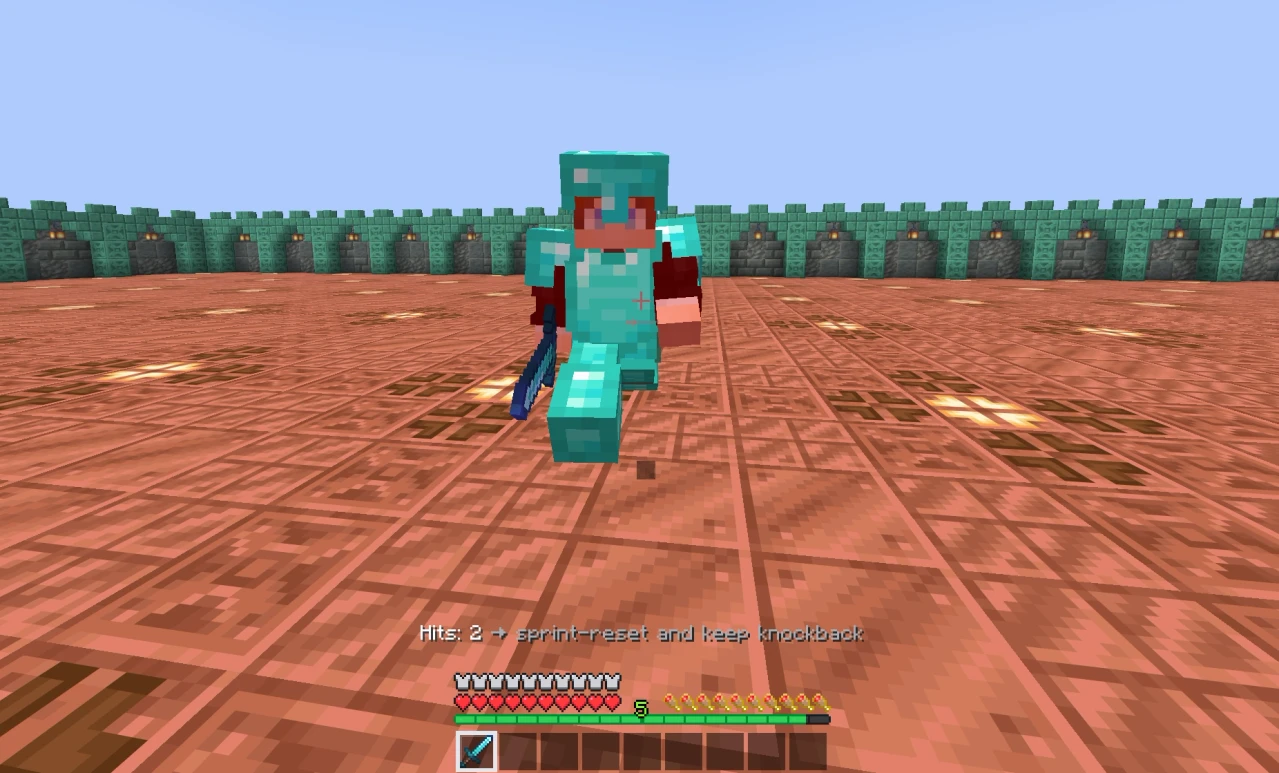
Sprint Resetting is what turns one sprint hit into a repeatable pattern.
Instead of holding W through an entire exchange, you briefly interrupt your forward movement after a successful hit, then move forward again for the next attack.
The most common version is a W-tap:
Sprint hit → release W → press W → follow → next hit
The input is simple. The difficult part is making the reset short enough to keep your opponent in range without running so far forward that you throw away the spacing created by the first hit.
A sprint hit gives the opponent more knockback than a normal hit.
Sprint Resetting prepares you to create another sprint hit on the next attack. At the same time, the brief pause in your own movement gives the opponent room to travel through their knockback.
That creates a useful pattern:
Hit → create separation → follow → hit again
This is why Sprint Resetting is both a knockback mechanic and a spacing mechanic.
If you only think about "getting more knockback," you will often send the opponent out of range or run into them too aggressively.
The real goal is to keep the next exchange favorable.
W-tapping is the standard Sprint Reset because it is simple and gives you fine control over forward movement.
The basic sequence is:
The order matters.
You want:
hit → release W → press W
not:
release W → hit
If you stop moving forward before the first hit connects, you can lose the sprint hit you were trying to create.
Practice this on MCTrainer
Open the matching training or platform area while this guide is fresh.
Related guides based on the learning path, explicit relationships, and matching topic metadata.
You can use other sprint-reset inputs, but W-tapping is the best place to start because the same input also controls how quickly you close distance after the hit.
There is no useful universal number of milliseconds for a W-tap.
Ping, movement, knockback, terrain and the distance at which the first hit connected all change how long you should pause.
What matters is the result.
You release W before the attack connects.
The first hit may no longer behave like the sprint hit you wanted, and you give up forward pressure before there is any knockback to follow.
The hit connects while you are sprinting.
Your forward movement pauses briefly, the opponent starts moving away, and you resume movement early enough to stay in range for the next attack.
You keep holding W too long after the hit.
You continue moving into the opponent while they are being knocked back and can collapse the distance you just created.
You release W correctly, but wait too long before moving again.
The opponent gets too far away and the combo ends because you cannot reach the next hit.
Think of the reset as a short movement pulse, not a full stop.
A lot of explanations stop at "W-tapping lets you deal more knockback."
That misses the reason the technique becomes useful in actual fights.
Imagine you land a sprint hit and continue holding W without changing anything.
The opponent moves backward.
You keep moving forward.
If you close the gap too quickly, you can end up directly inside their comfortable trading distance. The opponent gets an easier return hit, and the advantage from your first hit disappears.
A W-tap briefly reduces your forward movement while the opponent is already moving away.
Then you accelerate after them again.
The ideal result is not maximum distance. It is a distance where:
That is why good Sprint Resetting looks less like a fixed key rhythm and more like repeated distance correction.
S-tapping uses the same idea but creates a stronger spacing adjustment.
After the hit, instead of only releasing W, you briefly move backward with S before returning to forward movement.
The sequence becomes:
Sprint hit → tap S → move forward again → next sprint hit
Because you actively move away, an S-tap creates more separation than a normal W-tap.
That is useful when you are getting too close to the opponent or when their knockback is small enough that a normal W-tap does not create the spacing you want.
It is also easier to overdo.
Hold S for too long and you create so much distance that your opponent simply leaves your reach.
For most players, W-tapping should be the default. Add S-taps once you can already recognize when the distance is becoming too tight.
| Technique | What you do | Best use | Main risk |
|---|---|---|---|
| W-tap | Briefly release W, then move forward again | Default combo spacing and repeated sprint hits | Following too late |
| S-tap | Briefly move backward, then return forward | Stronger spacing correction when you are too close | Creating too much distance |
Neither technique is automatically "better."
Use the amount of movement correction the exchange needs.
If a short W-tap keeps the opponent at the right distance, an S-tap is unnecessary. If you are almost running into them after every hit, a stronger S-tap can fix the spacing.
Sprint Resetting does not bypass Minecraft's attack cooldown.
You can perform the movement perfectly and still land a poor follow-up if you attack again too quickly.
Your movement and attack timing need to line up:
Hit → reset → follow → attack ready → next hit
Do not turn W-tapping into a metronome where every W press automatically means "click now."
Watch the opponent first.
Stay in range, keep your crosshair on them and let the next attack become ready while you follow their movement.
You do not need to think five hits ahead.
Start with one clean sprint hit.
After it connects:
Hit → reset → follow
Your only goal is to arrive at the second attack with four things still true:
If those four things happen consistently, longer combos become much easier.
Sprint Resetting also fits naturally after Hit Selecting.
A successful hit select can give you the opening hit of your own sequence. Sprint Resetting is one of the tools that helps you turn that opening into a second and third hit instead of immediately falling back into a trade.
You release W while approaching instead of after the attack connects.
Fix: Make the successful hit the trigger for your reset.
You sprint forward continuously and never make a meaningful spacing adjustment.
Fix: Add a short release after the hit and watch what happens to the distance.
The opponent travels outside your useful attack range before you begin following.
Fix: Resume forward movement earlier. The reset should usually be brief.
You perform the input automatically even though no knockback happened.
Fix: React to the hit, not to your mouse click.
Your movement looks correct, but your follow-up attacks are rushed.
Fix: Separate the movement rhythm from the attack rhythm. Follow first, swing when the hit is ready.
You treat every reset as an attempt to send the opponent as far away as possible.
Fix: Aim for useful spacing. A combo ends when the opponent leaves your reach, even if the previous hit had impressive knockback.
You focus so much on W that your crosshair stops tracking the opponent.
Fix: Keep the movement input secondary. A perfect reset is worthless if the follow-up misses.
Do not start by trying to maintain a ten-hit combo.
Practice this first:
Sprint hit → W-tap → second hit
That is enough.
Once the second hit becomes consistent, extend it:
Hit → reset → hit → reset → hit
Then stop trying to use the exact same reset length every time.
Pay attention to how far the opponent actually moved:
This is the point where Sprint Resetting stops being a memorized input and becomes spacing control.
If you practice with MCTrainer's Sword Combo mode, judge the first attempts by the quality of the second hit rather than the total combo length. Consistency comes before extension.
Sprint Resetting is a tool, not a rule that has to happen after every click.
Do not force a textbook W-tap when the situation already demands something else.
For example:
Good Sprint Resetting is reactive.
The key sequence stays simple. The spacing decision changes every hit.
The basic W-tap is:
Sprint hit → release W → press W → follow → next hit
Remember the important parts:
The keys are easy to learn.
The skill is knowing how much distance to give up before you need to take it back.
Learn how to intentionally take the first hit, time your return hit during knockback, and turn the exchange into your combo.
